The essentials
Why your field software doesn't solve the whole problem
ServiceTitan runs your field operation. It schedules crews, tracks jobs, logs payments, sends invoices—all from the field. But the back office does not live in ServiceTitan. Accounting runs in QuickBooks or Xero. Communication happens in Slack or Gmail. Crew schedules live in Google Calendar. That is where ServiceTitan integrations come in. They connect field data to the rest of your operation automatically, so you stop re-entering invoices and job details by hand. Without them, you copy data from one screen to another forty times a month. With them, it flows on its own.
A service business does not end in the field. After the job closes, the numbers move somewhere else. Marketing needs to know which jobs came from which campaigns. Sometimes a CRM tracks customer relationships separately. So you end up with information in multiple places, speaking different languages, owned by different departments. You are the bridge. ServiceTitan integrations exist to tear down that bridge and replace it with a direct road.
The cost of disconnected field systems
Three numbers that explain why integration matters to a trades operation.
What ServiceTitan actually connects to
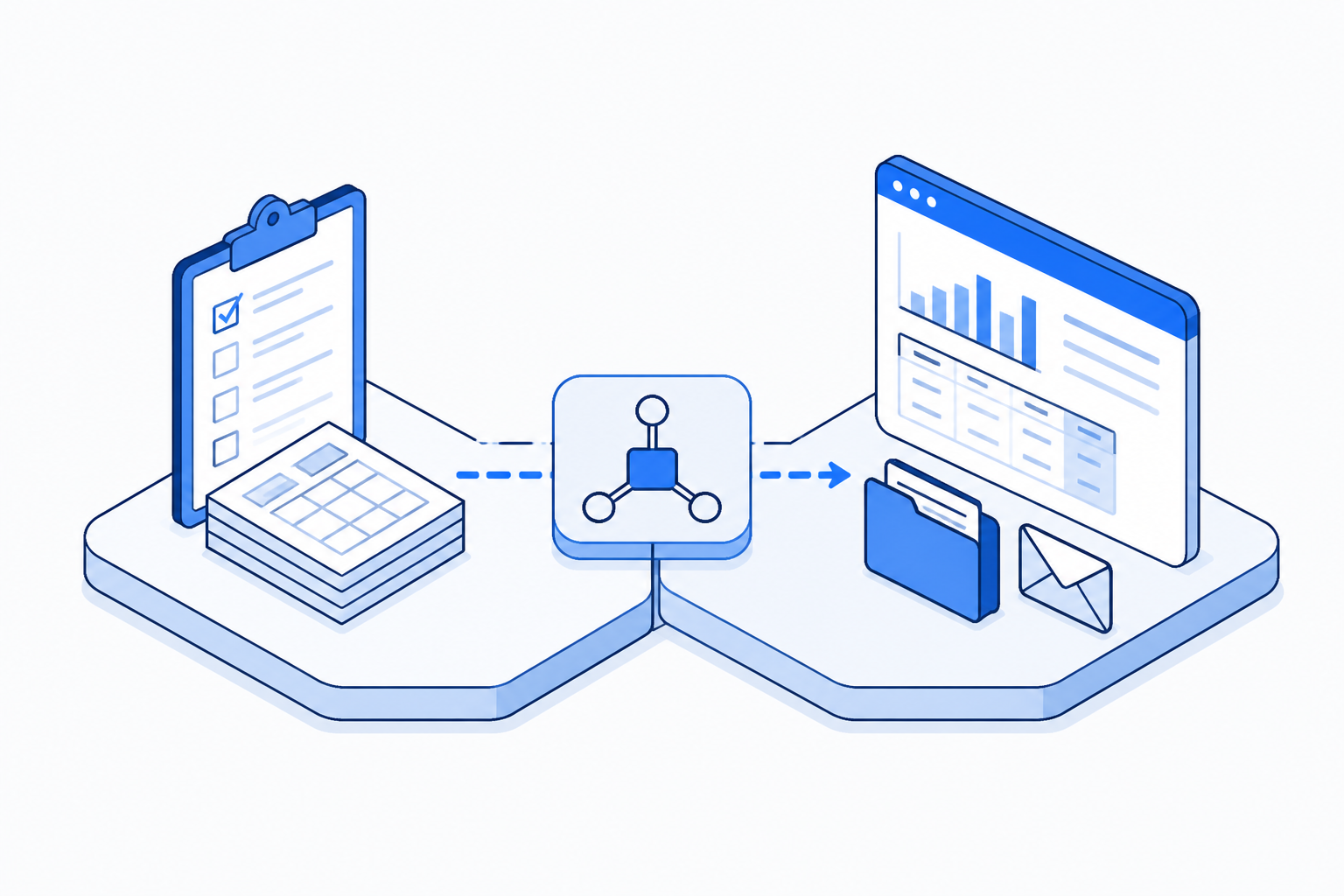
ServiceTitan integrates with a core set of back-office tools that any trades operation recognizes. The accounting software layer includes QuickBooks Online and Xero—the two systems running most small to mid-size trades firms. Communication runs through Slack or Gmail, so your team gets notifications without leaving their tool. Google Calendar syncs with ServiceTitan's dispatch layer so you see crew availability in the calendar you already use. Payment processing plugs into Stripe for instant settlement. The CRM tier connects to HubSpot for teams that want to track customer relationships separately from job history. These are not exotic connections. They are the backbone of how most operations already work. An integration just stops the duplication.
Two integration stacks that actually work
ServiceTitan integrations fall into two real combinations that trades operations actually use. The first handles accounting and payments. ServiceTitan syncs to QuickBooks Online or Xero, with Stripe managing payment processing. This is the operational spine. A job completed in the field automatically becomes a cost line item in your accounting system. Revenue is recognized the same day work is done. The second combines accounting with communication. That same QB or Xero connection, but with Slack and Google Calendar so your office team knows when jobs close and your field team knows when the office needs information. You can run a ten-person operation on these two stacks and never enter data twice. Fancier integrations exist—HubSpot for customer tracking, Typeform for post-job surveys—but they are added tools for growth, not fixes for the core problem.
Two integration stacks that actually work
Before integration: how the work actually moves today
The way most operations handle this without integration is readable in a single observation. Watch an invoice. A technician completes work in ServiceTitan and the job closes. ServiceTitan generates an invoice. The operations manager opens ServiceTitan, writes down the invoice details—job cost, labour hours, materials, customer name. Then opens QuickBooks Online and re-enters those same details. An hour later they check whether the customer paid through Stripe or through the job portal, and if it was Stripe, they manually log the payment in QB. If it was ServiceTitan's payment portal, they make note to check QB later because the payment hasn't reached QB yet. This is the baseline. Do this 40 times a month and you have your 40-hour problem. Do it with two people handling the data and you have conflicting information. FullSpec's service mapping template shows where the duplication lives—it is not a small surface.
- Technician closes job in ServiceTitan
- Operations manager re-enters job details into QuickBooks
- Check Stripe or ServiceTitan for payment status
- Log payment in accounting software separately
- Reconcile discrepancies at month end
- Technician closes job in ServiceTitan
- Job data flows to QuickBooks automatically
- Payment status syncs from Stripe to QB
- Data is already reconciled
- Month-end is a verification, not a reconstruction
Who gets time back when integrations work
The efficiency gain is not evenly distributed. A five-person HVAC crew with one office person handling all the back-office work—dispatch, invoicing, accounting, customer follow-up—sees the impact immediately. That one person stops losing 8-10 hours a week to data re-entry. A twenty-person plumbing operation with two dedicated office people sees a different pattern: the efficiency is real but it gets reinvested in complexity. Instead of both office people spending 4 hours a week on manual invoice entry and payment logging, one person now owns customer relationship tracking and scheduling optimisation. The time does not disappear; it moves to higher-value work.
The real saving is not hours. It is errors prevented and the speed at which you can make decisions about cashflow, crew utilisation, and job profitability. That speed matters more to a growing operation than the raw hours.
Building your integration checklist
Deciding which integrations to set up depends on three questions. First, what system does your accounting live in? If it is QuickBooks Online, start there. If it is Xero, do the same. This integration is non-negotiable for any operation over five people. Second, do you use a separate CRM or is ServiceTitan your customer record? Most smaller trades operations use ServiceTitan for both job and customer data, so a CRM integration is not urgent. Third, where does communication happen? If your crew checks Slack every day but your office team ignores Slack, the Slack integration is noise. If everyone is in Slack, that integration eliminates status-check meetings.
Start with the accounting integration. Add communication layer integrations next. Add CRM or marketing tools only when you have specific capacity problems they solve.
What the ROI actually looks like
The saving from integrations is straightforward to calculate because the problem is transactional. You stop doing something repetitive. A typical five-to-fifteen person operation processes 30-50 jobs per month. Each job generates one invoice that currently requires manual data entry and payment logging. Manual job entry and payment reconciliation takes 20 minutes per job. At a mid-level operations manager rate of $55/hour, that is 50 jobs times 20 minutes times $55/hour, which equals $916 per month in labour cost for manual handling.
With integrations, that same process takes 2 minutes per job for verification only, not data entry. The cost drops to $92/month. The saving is $824/month, or just under $10,000 per year, paying for itself in the time it takes to set it up. For HVAC and plumbing operations working higher job volumes, the math stacks higher. Eighty jobs per month instead of fifty means a saving of over $1,400 monthly.
Why your real barrier isn't technology
ServiceTitan integrations are not difficult to set up. Most integrate through a single configuration page inside ServiceTitan. You connect your QuickBooks account, select which data syncs and which does not, and it runs. The barrier is not technical. It is organisational. Someone has to own the decision. Someone has to test it in a non-live environment first. Someone has to change the way they describe a job or invoice because the other system needs slightly different information.
That someone is usually an operations manager with no bandwidth. The integration works. The politics of adopting it is the actual work. If you have two people running back-office operations and both are drowning, integrations move one of them to shore. If you have one person, integrations save that person from drowning. Either way, the decision is binary: accept the current friction or make room to fix it.
See exactly which ServiceTitan integrations save your team the most manual entry time.
Map this automationWhere these integrations turn into a working automation
Each of the stacks above maps to a template you can adapt without starting from a blank workflow.
Ready to connect ServiceTitan to your back office
The stack you choose above becomes a single automation template you can turn on this week.
Questions operations managers ask before connecting ServiceTitan
These come up most often when a team is deciding which integration to turn on first.
Frequently asked questions
ServiceTitan has built-in integrations with QuickBooks Online, Xero, Stripe, Google Calendar, Slack, and a handful of other tools. You do not need a third-party automation platform. If you want to connect to something more exotic, then yes, a third-party platform can bridge the gap, but the core integrations you actually need, accounting, payments, communication, are native.
Explore more Appliance repair businesses automations
See how other businesses map it:
Liam spent eleven years running a 22-person building contractor before selling the business. He now writes about operations and automation for trades, construction, and field service teams, with a particular interest in the processes that quietly eat a business from the inside out.