The essentials
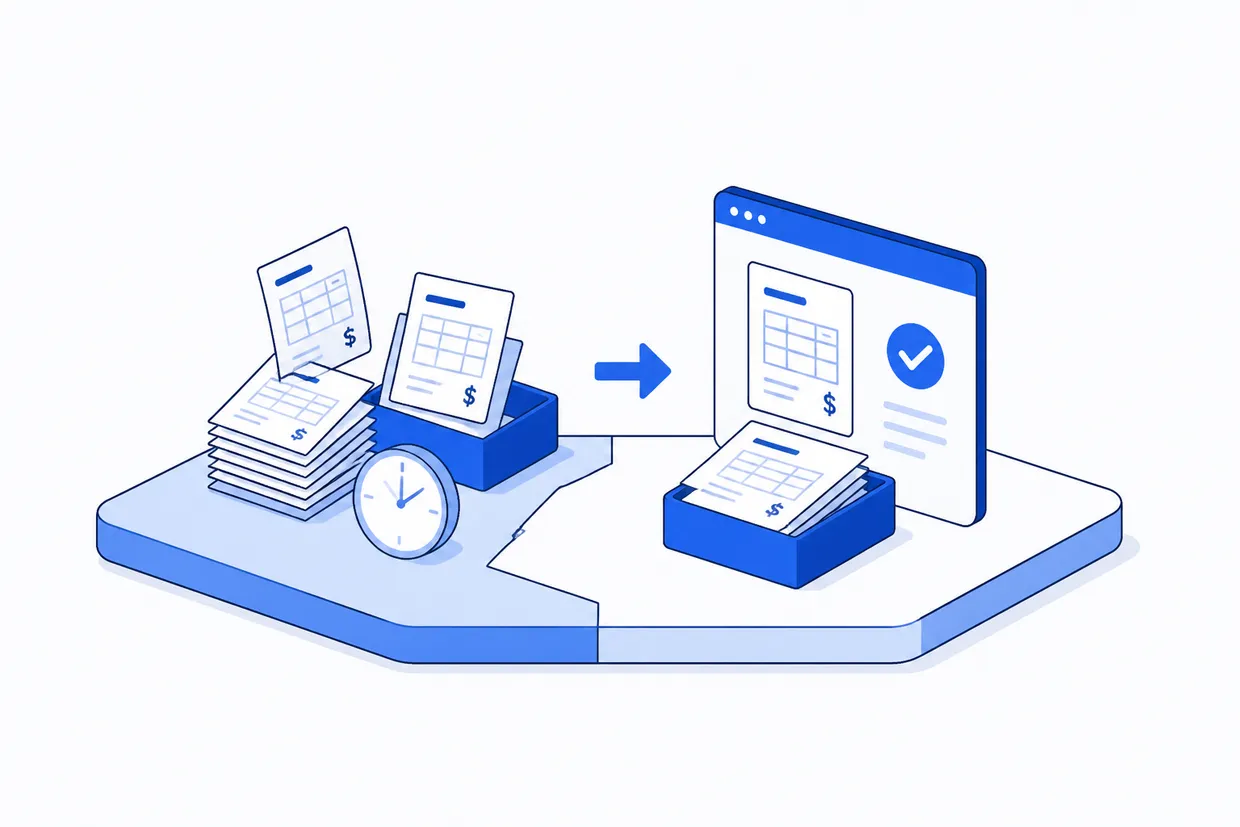
You are ready for invoice automation software when invoicing takes longer than it should, invoices keep going out late, errors slip through after send, and your team has no time left for higher value work. If you send more than 20 invoices a month and still build each one by hand, automation will save hours every week.
Why manual invoicing breaks before you notice
Manual invoicing works fine when you send five invoices a month. You know your clients, you remember the rates, you catch the mistakes before they go out. But somewhere between 20 and 50 invoices a month, the process breaks. That is when most teams start investigating invoice automation software. The problem is not the invoicing itself. The problem is that your invoicing lives in multiple places at once.
A rate in a spreadsheet, a client address in your email, a job number from a text message, all of it copied and pasted together into an invoice template or accounting software. Every time you move information from one place to the next, you create a chance for it to be wrong. And every time someone leaves the office or takes a week off, whoever is covering for them has to reverse-engineer where everything lives.
That is when you start losing invoices, missing deadlines, and sending duplicates. FullSpec's invoice mapping template shows you exactly where these breaks happen and what automation can fix.
Sign 1: Your invoices take longer to send than they should
Pull up your accounting software and time how long it takes to create one invoice from scratch. Most teams spend 12 to 20 minutes per invoice when they include pulling information, checking rates, adding notes, and proofing the total before it goes out.
Now multiply that by how many you send each month. A 15-person firm sending 40 invoices a month is spending 8 to 13 hours on invoicing every month. That is not a margin problem. That is a person's workload that could move somewhere else.
Where the hours go on a single invoice run
Sign 2: Late invoices mean late payment
The invoice that goes out on day eight instead of day two does not feel like a big deal until you realize your cash flow is 30 days behind where it should be. If you are invoicing $40,000 a month, a two-day delay in sending invoices costs you roughly $2,600 in delayed payment.
When invoicing is manual, delays stack. The job wraps on Thursday. Someone writes up the invoice on Friday. They proof it on Monday. It goes out Tuesday. By then, the client already has three other invoices sitting in their inbox. Yours waits in a queue. Automation compresses this to minutes, not days.
Sign 3: The real cost of invoice errors
A typo in an invoice amount sends the wrong invoice. A client address that is six months out of date means it goes to the wrong place. A rate that did not get updated after the rate change in January gets charged on invoices in February. Each of these catches someone's attention eventually, and when it does, it creates rework, a corrected invoice, an apology email, sometimes a re-issue or a credit note.
Rework is the tax you pay for manual processes. Automation software builds the correct information once, pulls it every time, and removes the person from the equation. No typos, no forgotten updates, no email apologies.
- Information copied from multiple sources into each invoice
- Client details and rates updated by hand across different tools
- Errors caught after invoices are sent
- Late corrections require follow-up emails and reissues
- No audit trail of who changed what or when
- Information pulled directly from a single source of truth
- Updates to rates and details apply to all future invoices automatically
- Errors caught before the invoice is sent
- Corrections are built in, not patched after the fact
- Full record of every change and who made it
Sign 4: Your team cannot focus on anything else
When invoicing takes up 10 to 15 hours a month, that time comes from somewhere. It comes from project management that does not happen, client follow-ups that get pushed, or finance work that sits in a queue. In a small team, one person doing manual invoicing is one person not doing something that actually moves the business forward.
Automation does not cost you money. It costs you attention. You choose to spend an hour setting up automation once, or you spend 10 hours every month on the manual work. The math is not close.
What automation software actually saves you
The numbers show why automation makes financial sense. For a team sending 40 invoices a month at an average of 16 minutes per invoice, manual invoicing costs roughly $440 per month. Automated invoicing at 2 minutes per invoice (pulling pre-built data, one-click send) costs roughly $55 per month. The saving is not $385 a month. The saving is the person whose time you get back.
Assumes one person managing invoicing; rate is office manager average. Savings increase with invoice volume.
What to look for when choosing automation software
Not every automation tool works the same way. Some integrate deeply with your accounting software. Some live in spreadsheets or your email. Some sit between tools and move information automatically. The right choice depends on where your invoicing actually lives right now.
Four things that matter when you evaluate invoice automation
The automation needs to talk to QuickBooks Online, Xero, FreshBooks, Wave, or whatever you use. If it doesn't, you are just moving the data entry problem, not solving it.
Rates, client details, and job information should come from one place, not assembled from email and spreadsheets. One source means one update fixes everything.
The software should validate rates, catch missing information, and flag duplicates before the invoice is sent. Catching problems early is the entire point.
You need to know who created an invoice, when it was sent, and what changed after it went out. This matters for accounting, compliance, and disputes.
How to pick the right tool for your team
Most teams do not need a separate specialized tool. You already have invoice automation features built into accounting software like QuickBooks Online, Xero, and FreshBooks. The question is whether you are using them. Many teams have the automation capability and do not realize it.
Start there. Look at what your current accounting software can do. If it cannot pull information from the places you actually work (email, Google Sheets, Slack), then you need something that bridges the gap. If it can, most of the work is learning the settings and connecting the dots.
The best automation is the one you use. Pick the tool that fits into your team's workflow, not the one that looks best in a demo.
Do not buy new software before you map what your invoicing looks like right now. Most teams are surprised how much of their invoicing is already automatable with tools they already pay for.
See exactly how invoice automation would map onto your team's own invoicing process.
Map this automationReady-made automations for this process
These templates map the steps above end to end, so you can hand one to a developer instead of building from scratch.
Frequently asked questions
QuickBooks Online and Xero have invoicing automation built in and connect to most payment methods and communication tools. If you are already using one of them, start there before buying additional software. Wave is free and also handles basic automation. The setup is usually a day or two of work.
Automate this process
This template covers the full workflow, so your team can move from manual effort to a working automation.
Explore more Building inspection companies automations
See how other businesses map it:
Liam spent eleven years running a 22-person building contractor before selling the business. He now writes about operations and automation for trades, construction, and field service teams, with a particular interest in the processes that quietly eat a business from the inside out.