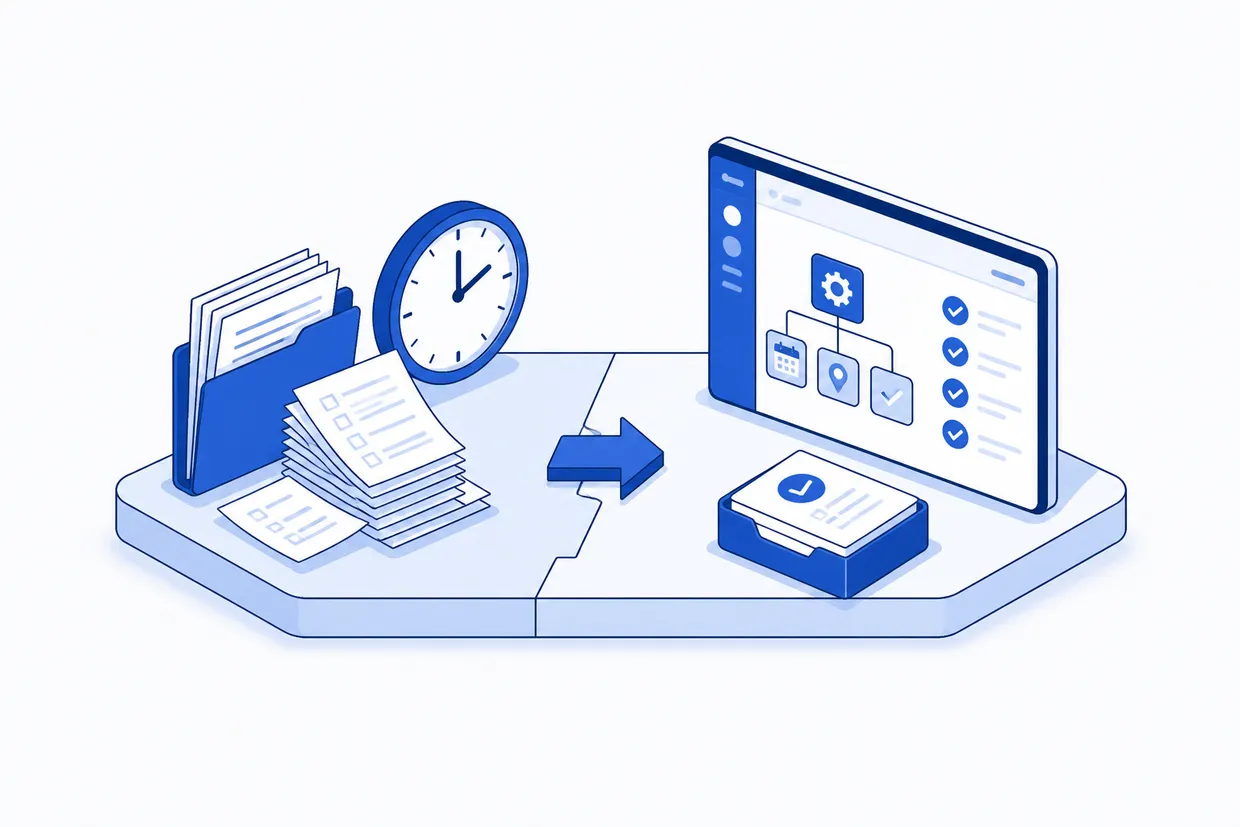
Why the schedule always breaks by Wednesday
If you schedule by hand, a typical morning looks like this: four jobs on the board, one crew calls in sick, two customers move their appointments forward by a day, and the dispatcher tries to shuffle everything into a new shape. This happens not because the business is poorly run, but because manual scheduling lives in email, text messages, and a spreadsheet that someone updated yesterday.
When a job changes, the change lives in one person's phone until they have time to text the crews and update the master sheet. By then, three other changes have happened. A crew shows up to the wrong address. A travel time estimate was off by 20 minutes. A customer did not get the confirmation they were promised. All of this is noise, not failure. But in a 15-person trades firm, that noise compounds into 4 or 5 hours of rework and missed opportunity every week.
Field service automation flattens this. When a job moves, every crew who might be affected sees it instantly. When a crew marks a job complete, the next job is already on their phone. Travel time is calculated, not guessed. The operation stops living in fragments across different tools and becomes a single picture that updates in real time.
Based on anonymised data from FullSpec mapping sessions and proprietary industry research
Inside manual field service scheduling
To see where the time goes, walk through a typical day in a firm that schedules by hand.
Yesterday a customer called. The job is plumbing, roof repair, electrical work, or whatever your trade is. Your scheduler checks the calendar, which lives in a spreadsheet or, worse, on a piece of paper. They see that crew A is booked Monday through Thursday. They email the customer with a rough date, then text crew A's foreman to ask if Wednesday works. The foreman does not answer for an hour. Meanwhile the customer has called back with a new time window. The scheduler updates the notes, sends a follow-up email to confirm, and writes the job in pencil because nothing is final yet.
By Monday, the job is officially on the books. But the crew does not have the address yet. It is in an email. The foreman forwards it to the crew group chat, and someone screenshots the address and pins it. The travel time is estimated by whoever has done that job before. The parts list is in a PDF the customer emailed or a photo the scheduler took on their phone.
When the crew arrives, half the information is still on the scheduler's desk. When the job changes, and it always does, the new timeline goes into a text message and the dispatcher has to manually reschedule the next job. FullSpec's field service automation template shows how this workflow breaks down and where each layer of friction lives, so you can see exactly which steps turn into hours.
Automating the scheduling layer
Automation in field service does not mean robots. It means the same information flows where it needs to go without a person typing it three times. When a job is created or changes, it triggers a sequence that moves the job details, crew assignments, travel routes, and customer confirmations into the hands of the people who need them, in the right order, without duplication.
Here is the before-and-after of that Wednesday morning rescheduling problem. Instead of the dispatcher rebuilding the schedule by hand, the system checks crew availability, calculates new travel times, flags conflicts, and presents the dispatcher with three options. The dispatcher chooses one. The crew app updates instantly. The customer gets a confirmation text. Travel time is locked in. The next job in the sequence is flagged if the timing now affects it. This entire sequence takes the dispatcher 90 seconds instead of 35 minutes.
That is not 35 minutes once a week. That is 35 minutes, seven times a week on average. For 52 weeks. That is 200 hours a year the dispatcher spends on one task, reshuffling an already-broken schedule by hand.
New job added to system or existing job details updated (date, address, crew requirements)
Automation scans booked shifts and skill sets against job requirements
System maps route, calculates drive time, and flags if crew cannot make the window
Dispatcher sees three alternative crew assignments with impact on adjacent jobs
One click assigns crew and triggers downstream notifications
Updated job details, address, and ETA sent to crew app and customer text
If timing change affects downstream jobs, dispatcher is alerted to secondary reschedule needed
Breaking down those 15 hours of waste
The 15+ hours per week are not one thing. They are pieces scattered across the operation, the dispatcher rebuilding the schedule when something moves, the office person tracking down crew confirmations, the foreman texting back to clarify which job he is working next, the follow-up emails to customers confirming arrival times, the crew calling in to say they are done so the dispatcher can send them to the next job. In a 10-person trades firm, these fragments add up to roughly 3 hours a day of scheduling and re-coordination work.
When you automate the field service chain, here is who gets time back and what changes.
Who gets time back and what they do with it
Who benefits and how time gets reallocated after automation
Converting recovered hours into cash
Hours are real, but they convert to money and opportunity. A dispatcher working on rescheduling is not working on anything else. That time is a direct cost to the operation. For a 10-person trades firm with one office manager handling dispatch, the math looks like this.
Cycles × minutes × rate. Substitute your own numbers to see your saving.
Ready-made automations for this process
These templates map the steps above end to end, so you can hand one to a developer instead of building from scratch.
Field service without the scheduling drag
The shift is not dramatic to watch, but it is concrete. A crew does not have to call the office three times a day. A customer does not have to wait for a confirmation email. A job change does not cause a cascade of rework down the line.
The scheduling workflow before and after automation
- Dispatcher rebuilds schedule by hand when a job moves or crew is unavailable
- Crew calls office to ask what job is next, office manager checks sheet
- Customer does not hear back about appointment window until afternoon
- Travel time is estimated from memory, crews arrive late or too early
- A change to one job requires manual reschedule of the next two
- System proposes next available crew and flags conflicts instantly
- Crew checks app for next job, address, time window, and parts needed
- Customer receives confirmation text within minutes of booking
- Travel time is calculated by address, crew gets turn-by-turn navigation
- Downstream jobs adjust automatically, dispatcher is only alerted if manual approval is needed
Is your field service operation ready to automate
Automation does not fit every business at the same speed. Some trades firms have such ad-hoc work that scheduling two weeks out is pointless. Others have enough repeat customers and planned work that full automation makes sense on day one. Most sit somewhere in the middle. Use this diagnostic to see where your operation sits and which automation layers will give you the most time back first.
Your field service automation readiness
How well-suited this process is for automation
Building automation in layers
The best entry point is the friction that costs you the most right now. For most small trades firms, that is rescheduling and crew communication. Start there, get comfortable with the flow, then add the next layer.
Here are four stepping stones from here.
Four steps to working field service automation into your firm
Track every task the dispatcher and office team do for one week. Assign hours. You will see the pattern.
Usually scheduling or crew notifications. Pick whichever saves the dispatcher the most time.
Most trades firms use a spreadsheet, a CRM, or a basic job management tool. Connect them so data moves automatically, not typed.
Once rescheduling is automatic, automate invoicing or route optimization. Build from what works.
Avoiding the mistake that kills most rollouts
The most common mistake is trying to automate a broken process. If your current scheduling lives in three different places and nobody uses them the same way, automation will just make that mess faster. Before you connect the tools, clean the process. Document how a job actually flows from quote to completion. Get your crews to agree on one way to confirm a job is done. Put the customer contact information in one place.
After that, the automation is straightforward. Most trades firms connect job management software (or a spreadsheet acting as one) to crew communication tools and customer notification systems. The data moves once, in one direction, and everyone sees the same truth. That is the whole thing.
Automation works on clean data. If your current process is fragmented across email, text, and three different spreadsheets, start by consolidating into one source of truth. Automation amplifies what is already working, not broken processes.
See how field service automation could give your dispatcher 11+ hours back every week.
Map this automationScheduling that works for you instead of against you
A trades firm that saves 15 hours a week on scheduling does not suddenly have 15 extra hours. It has 15 hours that stop being spent on rework and can be spent on things that make money. One dispatcher uses the time to bid new work instead of reshuffling the old work. A foreman uses the time to check quality on site instead of calling the office for directions. A crew focuses on the job instead of waiting for confirmation that they are done and ready for the next one.
The real saving is not the time. It is the work the time now buys you.
Frequently asked questions
Start with the dispatcher's biggest pain point, usually rescheduling or crew confirmations. Map out one workflow, connect your job management tool to your crew communication system, and let data move automatically instead of being typed three times. Most small firms see the first 3-4 hours of recovery in the first week.
Explore more Appliance repair businesses automations
See how other businesses map it:
Liam spent eleven years running a 22-person building contractor before selling the business. He now writes about operations and automation for trades, construction, and field service teams, with a particular interest in the processes that quietly eat a business from the inside out.