The essentials
Why the template folder is costing you more than it saves
Document automation sounds like a future problem, but it is not. A template is not a solution. It is a starting point that requires human work every time. A practice manager knows this the moment she opens the folder. The engagement letter template. The client onboarding checklist. The file request list. Each one gets pulled, edited, renamed, checked for old fields, and sent. It is the same work, same information, same sequence, done from scratch each time.
Every practice assumes its documents are unique. Every practice discovers they are not. A tax organizer is a tax organizer. A retainer agreement is a retainer agreement. The client name changes. The dates change. The fee structure changes. Everything else is structural repetition. That repetition is your cost.
Manual document assembly creates a time problem first. Each document takes 15 to 25 minutes to build, check, and send. That is dead time for an operation manager.
The second problem is errors. The version that was updated last month is not the version in the shared folder. A fee schedule shifts. A term is changed. A signature line is forgotten. Those mistakes spread to clients.
The third problem is friction. Documents don't move on their own. They wait to be assembled, so client onboarding stalls. Proposals sit longer. Filings miss deadlines because the document was not ready for the next step. The work compounds.
The weight of manual document creation
Most legal and accounting practices measure document work in fragments. Counted together, the cost stuns.
How documents assemble themselves
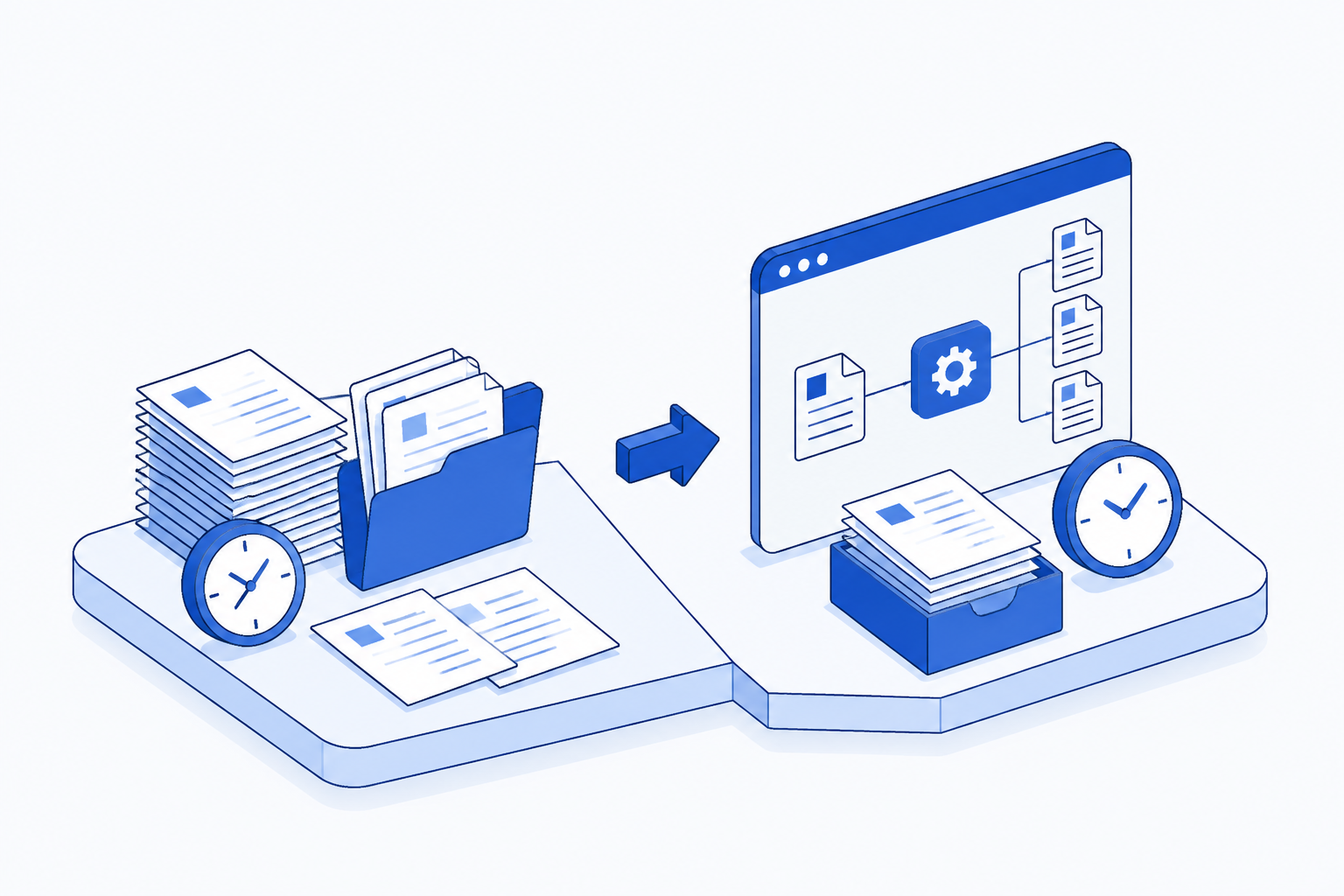
Document automation is not a template tool. It is a system that takes the information already in your business (client name, matter code, engagement date, hourly rate) and inserts it into the right place in the right document, then delivers it to the right person or folder. The document does not wait for human hands. It assembles on trigger: a new client record created, an engagement approved, a renewal date reached.
For an office or practice manager, the shift is immediate. Instead of opening a folder and building, the document arrives. Instead of checking five fields and fixing three errors, the document is correct by structure. Instead of hunting for the current version, the automation pulls the live data every time.
FullSpec's document automation template shows how the workflow connects to your existing tools and where the time breaks down. The template maps which fields come from where, which steps can run without human judgment, and where a human decision still belongs.
Document workflow anatomy
Automation works backward from the trigger. A legal practice onboards a new client. That action (the trigger) tells the system to fetch the client data, populate the engagement letter, mark it for the managing attorney to review, and notify the client that their letter is ready. The office manager does not assemble it. She receives notification when it is done.
Every document workflow follows this shape. A trigger happens (new matter, renewal date, file received). Data is pulled from the source where it lives (the practice management system, email, a spreadsheet). The document is built using that data. The document is delivered to where it needs to go (a folder, an email inbox, signed, printed, archived). A notification tells the right person the work is done.
Engagement creates a record with client details, matter type, and fee structure
Automation pulls client name, contact, matter code, rates, and terms from the live record
Blank template receives data fields and renders as complete engagement letter
Document sits in a folder or inbox flagged for managing attorney to review before sending
Once approved, letter is sent via email or portal with correct signature block
Sent document is automatically filed in the matter folder and linked to the client record
Where the time actually comes back
A practice manager saves time in two ways. First, the simple time: no more opening folders, building documents, checking fields, and sending. That is 12 to 15 minutes per document, gone. On 50 documents a month, that is 10 hours. Second, the less obvious time: the documents that move faster because they are ready when they should be. Client onboarding does not stall waiting for the engagement letter. Tax prep does not wait for the organizer. File submissions do not sit because the cover letter was not assembled. That hidden time is harder to measure and often larger.
Calculating your document automation savings
A 15-person accounting firm pulling together 50 client documents a month is not being inefficient. It is being normal. Fifty documents at 15 minutes each (accounting for checking and corrections) is 750 minutes, or 12.5 hours, at an office manager's hourly rate of roughly $45 to $50 (depending on market and tenure). That is $550 to $600 monthly. It is also $6,600 to $7,200 a year of billable time spent on something clients do not see as work and the firm does not bill for.
Automation does not eliminate the time completely. A human still reviews the document before it goes out. That is not a cost to remove, it is a control to keep. But review is 2 to 3 minutes, not 15. The cost drops from $600 to $75 monthly. The saving is $525 monthly, or $6,300 a year.
Assumes one office manager conducting all document assembly, one integration to practice management system, no new tools needed
Starting small: which documents to automate first
Automation works best on documents created repeatedly with different data. Client letters. Fee schedules. Onboarding checklists. Tax organizers. File request lists. Matter updates. These are the candidates.
Documents created once, or documents that require heavy customization per instance, are not worth automating yet. A bespoke memo to a complex client. A one-time litigation hold letter. Those stay manual for now.
Most practices start with one high-frequency document: the engagement letter or the onboarding checklist. Automate that, measure the time saved, confirm the workflow is stable, then move to the next. Starting with the document you send most often teaches the system and builds confidence before rolling out to five documents at once.
Data quality determines automation success. If your client record has an empty field or your spreadsheet has inconsistent formatting, the document will reflect it. Before automating, audit the source data once. Clean it. Then build the automation around data that is already reliable.
Avoid the most common setup mistakes
A practice that tries to automate before mapping the workflow usually builds twice. The mistake is running the automation directly to clients without a review step. The document might be wrong, or the client data might be incomplete, or the fee structure might not have updated yet. Automation that sends without human approval creates risk. Build automation to a review folder or inbox first, let a human verify, then send from there.
The second mistake is over-building the template. Not every field needs to be dynamic. Some fields should be static (your firm name, your logo, your address). Mixing static and dynamic fields is fine, but trying to automate something that only appears in 30 percent of documents adds complexity for no return. Automate the repetitive parts. Leave the rare exceptions manual.
Which tools actually handle this
Document automation does not require specialized software. Most practices already own what they need. If your client data lives in a spreadsheet or email, Google Sheets or Microsoft Excel work with a template to populate and deliver documents. If your data is in a practice management platform, that platform often integrates with document services like PandaDoc or Docusign, which can populate fields and collect signatures.
Many practices use a combination: the practice management system stores the client and matter data, Google Drive holds the templates, and a workflow tool (often already built into your system or accessible through your existing software) connects the two. The email that says "new client approved" becomes the trigger. The automation fetches the data and builds the document. No new subscription required, no complex system.
Before you build: ask these questions first
Not every document should be automated. Before starting, test whether the time and effort to set up the automation will pay for itself.
How often do you create this document? Once a month or less, and the setup cost probably outweighs the return. More than twice a week, and it is almost certainly worth automating.
How much of the document changes each time? If 80 percent of the document is the same and only the client name and dates change, it is a good automation candidate. If only 50 percent is the same and the rest is customized per instance, the template will be fragile and high-maintenance.
Where does the information come from? If it is already in a system (practice management, email, accounting software), automation is straightforward. If information comes from multiple sources and someone has to gather it manually, automating the document assembly does not solve the real problem.
Who has to review it before sending? If the answer is anyone other than one person, the automation workflow becomes complex. If one attorney or manager reviews everything, the workflow is simple.
Making it real: the first week
Pick one document. Map it. The template does not need to be perfect, it just needs to show the shape of the process. List every field that changes (client name, matter code, rate, date, signature block). Write down where each piece of information comes from today (email, the practice management system, a spreadsheet, a folder). Mark which field is the trigger (the thing that tells the system to run).
Build the template with those fields. Test it manually first: paste in sample data and see whether the document looks right. Then connect it to the source data and run a test for a real client. Send it to someone on the team for review, not to a client yet. Check for errors. Check for outdated terms or forgotten fields. Run two or three tests until the process is solid.
Then use it live. Send the document to clients. Track how long the manual process takes compared to the automated one. If the time saving is real, that is proof it works. If it is not, there is something learned about the document or the workflow that makes the next attempt better.
Still assembling your engagement letters in a text editor while your client waits?
Map this automationHow document automation compounds over time
The first document saves 10 hours a month. Useful, but not transformative. The second and third documents add another 15 hours. Now someone has 25 hours a month to work on things that matter: client strategy, compliance review, business development.
The less obvious benefit is consistency. Manual document assembly is human assembly. It is error-prone. A field is forgotten. An old term stays in. A signature is missing. Automated documents are consistent by structure. Every engagement letter carries the current terms. Every fee disclosure is accurate. Every client onboarding checklist contains every step. That consistency compounds in compliance, client satisfaction, and the number of problems that never need fixing after the document is sent.
The practices that see the biggest return on automation are the ones that start with one document, confirm it works, then add another. They are not trying to automate their entire document library in month one. They are building a system that gets better as it grows.
Frequently asked questions
No. If your system already stores client names, matter codes, dates, and rates, that is all you need. The automation connects what you already have to a template. Most practices start by linking their existing practice management system to a simple template in Google Drive or Microsoft Word, using whatever workflow tool your system already offers. No new subscription required, no rip-and-replace.
Explore more Project management firms automations
See how other businesses map it:
Sophie spent eight years in practice management across accounting and professional services firms before moving into writing. She covers finance, bookkeeping, and operations, and has a habit of noticing that every firm thinks its problems are unique, when almost none of them are.