The essentials
Why your CRM has a job it is not doing
A CRM is not a database. It is supposed to be the automation layer for everything that happens before, during, and after a sale. CRM automation means your system handles the routine tasks, re-entering data, sending reminders, building reports, without your team having to lift a finger. When your team is still doing these tasks by hand, your CRM is not broken. It is not set up. And that setup sits in your hands, not the software's.
Most sales managers buy a CRM and use about 40 percent of what it can do. The other 60 percent sits dormant because connecting it to the rest of the business feels like work. It feels like work because the only people who know how to do it work for the software company, or you have to hire someone to figure it out. This article names five tasks that your team still does by hand that every decent CRM can automate. FullSpec's CRM automation template maps the full workflow of each one and shows you exactly where the time goes, which tasks are worth automating first and which can wait.
1. Logging activities and call notes
A rep finishes a call. The CRM is open. Instead of the system recording that the call happened and what was discussed, your rep is typing notes into a text field. That is two minutes per call, forty calls a month, three hours a month per rep. For a five-person team, that is fifteen hours a month of re-work.
What automation looks like, the CRM records incoming calls automatically if it is connected to your phone line. Call notes are transcribed. The date, time, duration, and outcome are all populated without the rep touching anything. Your phone system and your CRM talk to each other so the data flows one way, from phone to CRM, not the other way around.
2. Sending and scheduling follow-up reminders
A customer says 'call me back next Thursday.' Your rep writes it in a calendar app or leaves a note in the CRM. At best, half of those reminders generate an actual outreach. At worst, they sit in the CRM until the customer moves on to a competitor.
Automation means the CRM checks its own calendar. When a deal is tagged as 'waiting on customer' or 'follow-up needed on Thursday,' the system sends an alert to the right person at the right time. No reminder email from your rep to themselves. No manually checking a spreadsheet. The CRM owns the follow-up cadence and enforces it.
3. Scoring and routing new leads
You get fifty new inquiries a week. You need to know which ones are hot, which are lukewarm, and which will never close. Right now, someone is reading through them and making that judgment call. That person is guessing based on impression, not data. You are also probably sending leads to the wrong rep because the assignment is done by hand or by rotation.
Automation handles both. The CRM scores leads based on behavior (pages visited, email opens, company size, industry) and assigns them to the rep who closes deals fastest in that vertical. Your best closer gets the best leads. The system does not care about fairness. It cares about closing. Lead assignment stops being a philosophical argument and starts being math.
4. Creating records from external data sources
A form is filled out on your website. An inquiry arrives in Gmail. A customer signs up via a landing page. Right now, someone is copying that information into your CRM as a new contact record. They are transcribing the name, email, company, phone number. If the data is incomplete, the record is incomplete.
Automation routes external data straight into your CRM. Form submissions become leads automatically. Email inquiries generate contact records without manual entry. The system runs a duplicate check to make sure you are not creating a record for someone who already exists in the CRM. The data flows in one direction, from the world into your CRM, ready to work.
5. Building weekly and monthly reports
Every Friday or Monday morning, you are building a report. Pipeline by stage. Calls logged by rep. Revenue forecast. Most of this data sits in your CRM. To get it out, you either run a built-in report and copy it somewhere else, or you are manually tallying numbers. Neither of those is working for you if you are still doing it by hand.
Automation means your CRM generates reports on a schedule. Every Friday at 8 a.m., a dashboard lands in your inbox with pipeline, velocity, and forecast already calculated. You do not have to ask the system for the data. The system gives it to you because you set it up once and never touched it again. Weekly numbers show up the same way every week. You can start spotting patterns instead of spending the time collecting the data.
How to know if a task is ready to automate
Not every manual CRM task is worth automating. Some are too rare. Some are too specific to how your business works. The readiness grid below shows which of the five tasks above make sense to automate first based on how much friction they create, how well automation actually solves them, and what it costs to set it up.
Read the scores for each task and focus on the ones where Process Pain and Automation Lift are both high. Those are your quick wins.
How CRM automation changes the workflow end to end
Automation does not replace your sales team. It removes friction from what they already do. Here is the operational change end to end.
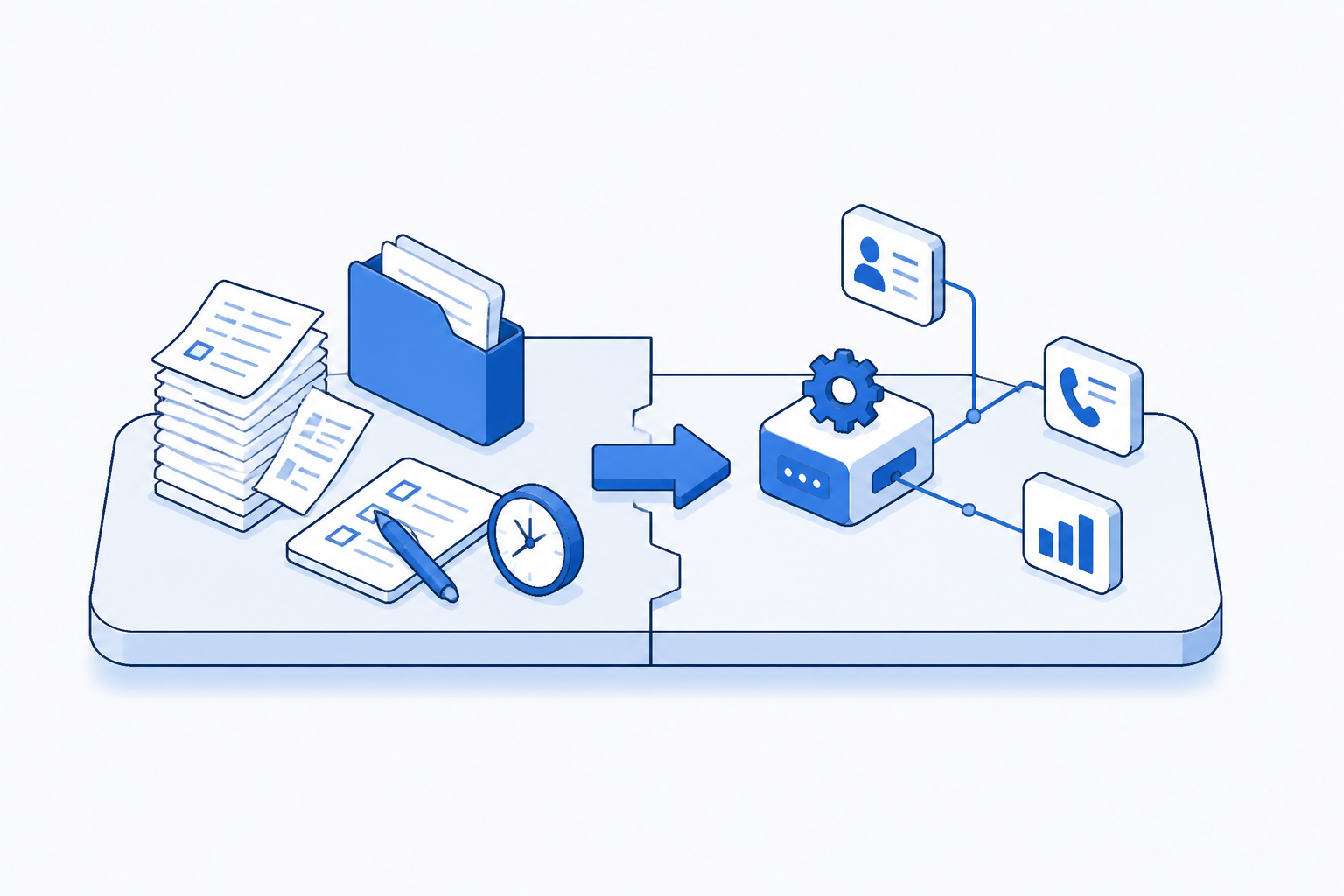
Instead of your rep finishing a call and manually logging it, the CRM records the call automatically. Instead of a rep remembering to follow up, the CRM sends a reminder. Instead of you reading through fifty new leads and assigning them by hand, the system routes them instantly. Instead of building a Friday morning report, one lands in your inbox ready to read. The work does not disappear. It moves from your team to the system.
The process documentation below shows how each of the five tasks moves from manual to automatic.
Form, email, landing page, or phone inquiry creates a new contact automatically
CRM evaluates company size, behavior, industry fit using rules you set once
Assignment rule sends to the right rep based on skills and current workload
CRM surfaces all lead activity, company data, and interaction history automatically
Phone integrations capture call, notes, and next step without manual entry
System sends alert based on deal stage and promised timeline, no rep scheduling needed
Weekly dashboard lands in manager inbox with pipeline, forecast, and velocity calculated
What you lose when CRM automation is not set up
You do not pay for CRM automation with money. You pay for it with the time you get back. The calculation below shows what your team currently spends on these five tasks when they do them by hand, versus what that same work costs if the CRM does it.
The math uses a mid-level rep making fifty-five dollars an hour. Your team may be higher or lower. The principle stays the same, automating these five things saves you between six hundred and nine hundred dollars every month without hiring anyone new.
Automated cost assumes integration setup is done. CRM tool subscriptions not included as they are sunk costs.
Setting up CRM automation for your team
Every CRM on the market, HubSpot, Salesforce, Pipedrive, Zoho CRM, can automate these five things. None of them do it automatically out of the box. You have to tell the system what to do.
You have three paths. One is to hire someone whose only job is CRM setup and maintenance. That person costs you forty to sixty thousand dollars a year. The second is to spend a weekend learning your CRM's automation rules yourself. Most CRMs have free training documentation and YouTube tutorials. The third is to hire a consultant for a week to set it up and train your team. That costs between five and ten thousand dollars depending on your CRM and the complexity.
Is your CRM still asking your team to do manual work it should handle?
Map this automationGetting started without breaking your workflow
Start with the task that causes the most friction. Look at your readiness scores above. Whichever one has the highest Process Pain and Automation Lift is your first target.
Take logging and follow-ups. These two are usually the highest friction and the fastest to set up. You do not need to connect your phone system on day one. You can start with follow-up reminders alone. Set up one rule, 'when a deal moves to follow-up stage, send a reminder after three days.' That is a fifteen-minute setup in most CRMs. Run it for two weeks. See what breaks. Then add the next piece.
Automation compounds. One rule is not worth the effort. Five rules, running all month, save you two days of manual work. That is the scale where your team stops pushing back and starts asking for more.
Frequently asked questions
No. Every major CRM (HubSpot, Salesforce, Pipedrive) has point-and-click automation rules. You do not code. You set up a trigger (like 'lead scores above 50') and an action (like 'send to sales manager'). If your CRM connects to other tools you already use, your phone system, email, calendar, those integrations are usually pre-built. No coding required.
Explore more Commercial real estate agencies automations
See how other businesses map it:
Liam spent eleven years running a 22-person building contractor before selling the business. He now writes about operations and automation for trades, construction, and field service teams, with a particular interest in the processes that quietly eat a business from the inside out.