The essentials
Where AI actually creates value for small firms
AI in law is not about replacing lawyers. It is about removing friction from tasks that do not require a lawyer's judgment but take up a lawyer's time. A contract review that flags nonstandard clauses, a legal research summary that pulls case law in the right order, a client email that is drafted but requires the partner's final check before sending. These are the places where AI works because the rules are clear, the input is structured, and the output is something your team would produce anyway, only more slowly.
This is different from the AI conversation happening in larger firms, which is often about building novel AI infrastructure or testing experimental workflows. For a 10-to-50-person firm, the path is simpler: find a bottleneck, add a tool, measure whether it actually saved time or money, repeat. FullSpec's automation template framework walks firms through this evaluation: map the task, cost the time, identify where an AI tool reduces that time, then confirm it sticks. That structure matters because it separates the AI projects that save your firm money from the ones that feel interesting but do not touch your real workload.
Document review and contract analysis
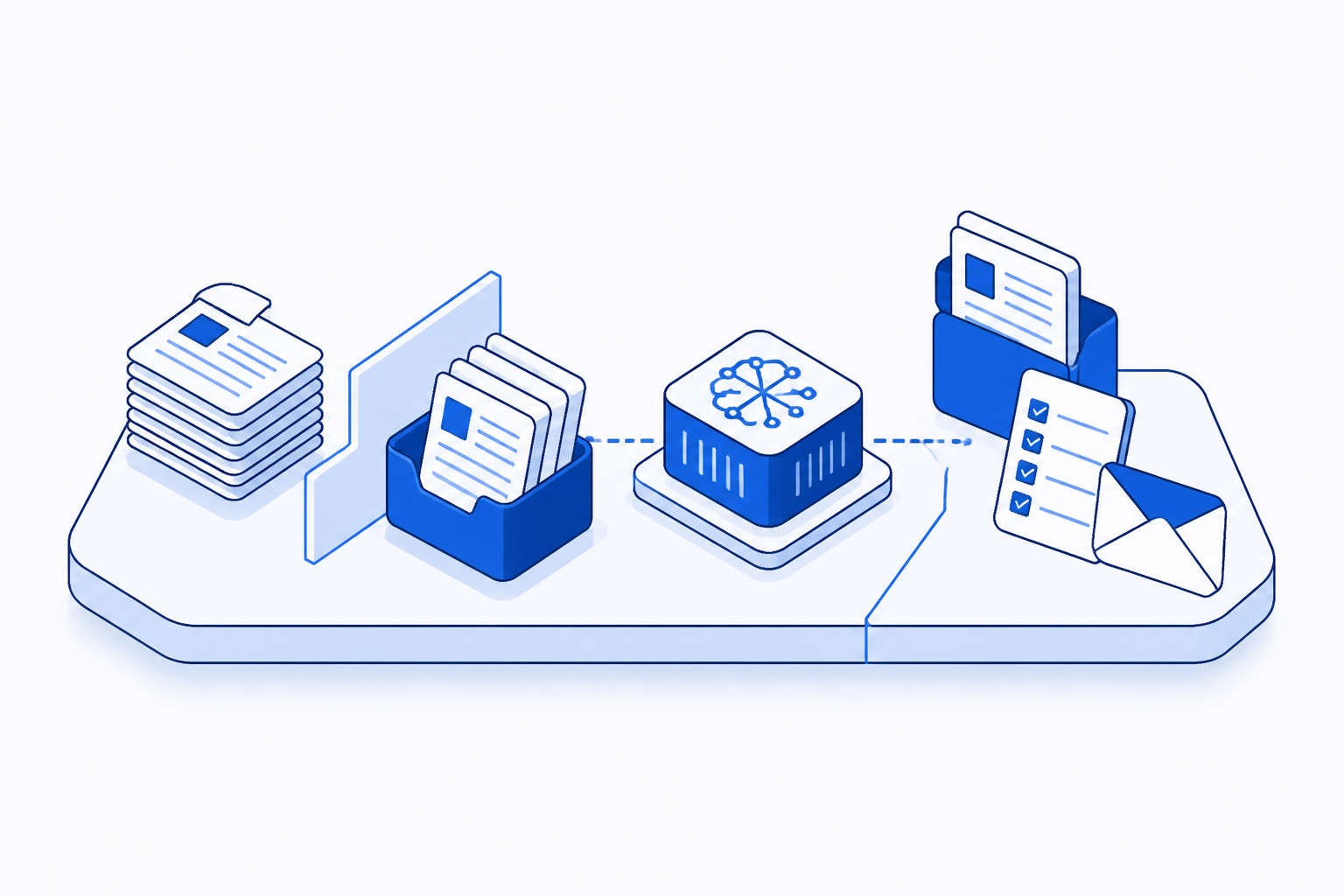
Document review is the clearest early win. A firm receives a set of contracts or discovery documents. Historically, a paralegal or junior associate reads through, highlights deviations, compares against templates, and flags issues for the partner to decide on. An AI tool can handle the reading and flagging step. It can learn your firm's standard clause sequence, spot nonstandard language, extract key obligations, and build a summary. The partner still makes the call, the AI removes the 6 or 8 hours a junior would have spent finding the thing the partner had to check anyway.
Start small: one deal type, one document category, one template. If the AI catches deviations correctly 95 percent of the time and your team trusts its output after a week, expand it to the next category. If it misses too many edge cases or requires more verification than the original manual read would have taken, walk away and use that time somewhere else. The firms that fail at AI are the ones that commit to the tool before they have tested whether the tool works for their specific rules and their specific risk tolerance.
Legal research and case law synthesis
A motion requires case law. Historically, someone spends two or three days in a research platform, pulling cases, reading abstracts, building a synthesis that shows the trajectory of the law and lands your argument in the right precedent. An AI tool can compress that. It can search, rank cases by relevance, extract holdings, and build a first draft of the synthesis. The lawyer still reads the cases, the lawyer still writes the actual motion. But the research assembly is faster, and gaps are fewer.
The catch is that legal research AI is only as good as the instruction it receives. You have to tell it what you are arguing for, what jurisdiction matters, which courts are binding, and what weight to give different case types. A firm that does this work well sends AI output to the partner with a summary of the search terms, the filters applied, and the number of cases reviewed. A firm that does it poorly treats the AI output as finished work and ends up with a motion built on incomplete research. The difference is process clarity, not the tool.
Which tasks respond best to AI right now
Not all legal work responds to AI the same way. Some tasks are high-fit (clear input, clear rules, clear output). Others require judgment at each step and AI becomes overhead rather than help.
What AI implementation actually costs
A common misconception is that AI is expensive. Most AI tools for law firms are not. A document review platform might cost $100 to $400 per month. Legal research integrations start at similar prices. The real cost is not the software, it is the time your team spends learning the tool, building the first workflow, and setting quality standards. A partner or practice manager will spend 10 to 20 hours integrating a new tool. That time is an investment in a repeatable workflow, not a sunk cost if you choose the right entry point.
The math works when you measure against the time the firm is already spending. If document review costs you 12 hours per week at your current billing rate, and an AI tool cuts that to 4 hours per week (8 hours saved), that is 32 hours per month or roughly $1,760 in recovered time, depending on who does that work. Subtract the tool cost and the setup time, and the saving is clear within two or three months. If the tool does not cut the time by at least 30 percent, stop using it.
Includes $100/month AI tool subscription, real saving after integration. Assumes 20 documents monthly, scale for your volume.
Picking your first AI project
Do not start with the process you think AI is best at. Start with the process that is costing you the most time or money right now. Look for three things: volume (the task happens more than once a month), repetition (the steps are the same each time), and clarity (you can describe the rule or outcome in writing without ambiguity).
Document review wins because it is all three. Contract templates are the same. The deviations you care about are consistent. The cost is visible. Client communication also works because partners write similar emails repeatedly and an AI draft cuts the blank-page time. Intake does, too, because every client answers the same questions.
Tasks that fail are usually ones where the rule is subjective (deciding whether a case is worth taking on), the process changes per client (litigation strategy for different defendant types), or the volume is too low to justify the setup time (one complex analysis per quarter). These are not AI problems, they are judgment problems. AI is overhead until your team has done the work enough times that the rules have crystallised.
Building workflow, not just buying tools
The partnership between a tool and a workflow is where the real saving lives. A firm buys contract review software and expects the AI to flag issues. It learns quickly that the AI is only as useful as the instructions given to it. Which clause types matter. What jurisdictions do you practice in. What risk level triggers a flag. Which people on the team are authorised to override a flag and approve a contract anyway.
This sounds like overhead, and it is, but it is the kind of overhead that pays back in consistency and speed. A firm with a clear workflow gets better output from the same tool than a firm that uses it ad hoc. Once the workflow is set, a paralegal or junior associate can run documents through it without partner input on every decision. The partner only sees the exceptions. This is the same principle in aviation: the checklist is what makes the outcome predictable, not the aircraft.
Five patterns in firms that succeed with AI
Firms that successfully integrate AI share a pattern. They measure before and after. They do not expect the tool to work without instruction. They pilot with a sceptic on the team. They change process before they change tools. And they let go of projects where the saving is too small to notice. These are not technical requirements, they are discipline requirements.
Why some law firms get value from AI and others do not
You must know what the task is now before you know where AI fits. Automating a broken process just scales the mess.
If you cannot say how much time document review takes now, you cannot tell if AI is saving any. Measure first.
AI does not have to be perfect, but you have to decide what is good enough before you start using it.
One person on your team owns the workflow and the decision to keep or stop the tool. Shared ownership means it dies.
Starting with your first implementation
Most firms already have the tools they need to run their first AI test. You have email, document storage, spreadsheets, and maybe project management software. Many of these now have AI capabilities built in. Google Docs has drafting assistance. Microsoft Office 365 has collaborative AI features. Slack can summarise threads. Test with what you have before you add another subscription. If the built-in features solve the problem, save the subscription cost. If they do not, then you have a concrete reason to bring in a specialist tool.
Spend two hours this week listing your top five time sinks: the tasks that happen regularly, cost time, and feel repetitive. Pick one. Write down how long it takes now, who does it, and what the outcome is supposed to be. That clarity is where the AI decision starts. The tool is secondary. The firms that move fastest are not the ones that buy the newest technology. They are the ones that close the gap between the bottleneck they feel and the tool that removes it. That is the shortcut.
See where AI fits your firm's first bottleneck, mapped in one session.
Map this automationCreate your AI roadmap with a template
Once you have identified your first AI project and tested it, the next step is to document the workflow and build an implementation plan. This is where a structured template helps. You need clarity on what the current process costs, where the AI tool fits, what quality standards you expect, and who owns the outcome. A good template walks you through these decisions step by step so you do not miss the parts that separate success from failure. When you are ready to scale from one project to two or three, the template becomes your repeatability standard.
Frequently asked questions
The best tool depends on your contract types and volume. Look for one that learns your templates, lets you set quality thresholds before relying on it, and integrates with your document storage. Start with a free trial on one contract type before committing to a subscription. The tool matters less than having a clear process around it.
Explore more Project management firms automations
See how other businesses map it:
James worked in operations consulting for a decade, mapping how information moves, and fails to move, inside law firms, healthcare practices, and compliance-heavy organisations. He writes about process, systems, and the specific points where things quietly go wrong.