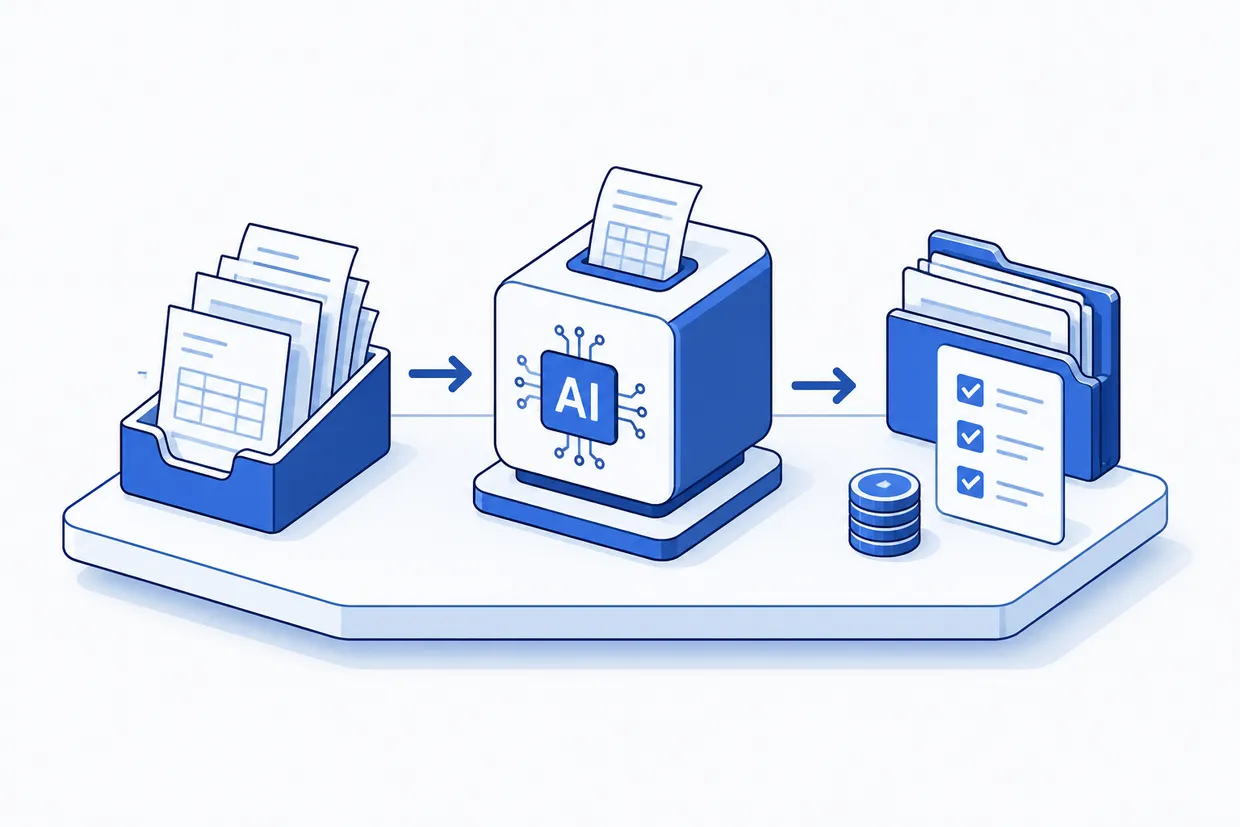
Why every bookkeeping firm is watching AI right now
Here is what bookkeeping firm owners are thinking about when they hear about AI bookkeeping. Automation tools promise to handle the work that makes people want to leave bookkeeping: repetitive data entry, endless categorization, reconciling transactions by the hundred. For a firm billing by the hour, that is time your team is not spending on consultation or tax strategy. For a firm with flat monthly retainers, it is margin. The appeal is real. But the appeal is not the same as the reality.
Every firm thinks their bookkeeping is unique. Restaurant expense coding is different from a contractor's job costs is different from a nonprofit's restricted funds. And it is, right up until the moment you realise that the gap between 'special' and 'actually complex' is exactly where automation gets stuck. The pattern is almost universal across accounting practices. Firms want to know what categorization software can actually do in their practice without creating more work than it saves.
That question matters because how you answer it determines whether automation becomes a time-saver or a new problem. You can map your firm's bookkeeping process using FullSpec's bookkeeping workflow template, by asking which steps are truly repetitive, which require judgment, and which need your client relationship most. Then you know where automation fits and where it does not.
Based on anonymised data from FullSpec mapping sessions and proprietary industry research
How categorization software actually works
Start with what automation is genuinely good at. It is not magic. It is pattern matching at scale, and it is worth understanding the limits of that.
A categorization tool looks at thousands of your client's transactions and learns that supplier invoices from the office furniture vendor almost always go to 'Office Equipment', that recurring $79 charges from a SaaS vendor go to 'Software Subscriptions', and that transfers to the owner's personal account are usually draws, not revenue. It learns these patterns and applies them to new transactions. It is fast. It catches many of the obvious ones.
The second thing it does is flag anomalies. When a $50,000 payment shows up from a vendor that usually sends $2,000 invoices, the tool notices. When a transaction does not match any learned pattern, the tool does not guess. It asks. That is the moment a categorization tool is actually useful, because it is asking for human judgment before making the mistake.
Where categorization fails most often
Here is where the promise meets reality. Automation is trained on historical transactions. It learns from what your firm has already done. But bookkeeping is not just pattern matching, it is judgment, context, and exception handling. Every month, your software will encounter transactions it has not learned. Some it handles anyway and gets wrong. Some it flags for review. Both require intervention.
This is not a reason to avoid automation. It is a reason to understand what you are actually deploying.
Where categorization fails most often
Based on anonymised data from FullSpec mapping sessions and proprietary industry research
Why human judgment still matters most
A bookkeeper handles something automation cannot: the decision that sits on top of categorization. Is this a legitimate business expense? Should this revenue be recognized this month or next? Does this transaction reveal a problem in your client's operations that you should flag? Those are bookkeeping questions, but they are not data-entry questions. Automation does the entry. A human does the judgment.
This matters because the appeal of automation is partly about time savings, and partly about reducing errors. But if the errors automation makes require the same review time as manual entry, you have not saved time, you have redistributed it.
Four decisions only a human can make
Is this deductible? Does it create a separate filing requirement? Only a bookkeeper with tax knowledge decides.
A spike in a category, a refund that should not have happened, a duplicate entry. These need human investigation.
A client wants to track a cost across two projects or needs a custom account structure. Automation cannot adapt to that.
A receipt is missing. A vendor name is misspelled. A date is wrong. Automation stops. A human works with the client to clarify.
The real economics of automation
Here is where you actually see the impact. The economics look different depending on whether you have trained the software or simply deployed it and hoped. A categorization tool that learns your clients' patterns can genuinely reduce data-entry hours. A tool that has not been trained becomes a second data-entry job: someone has to fix what it got wrong.
The time savings come not from doing less work, but from shifting work. You do not enter fewer transactions. You review more of them and make better decisions about the ones that matter.
Manual bookkeeping versus automated categorization
- Bookkeeper reads receipt, types vendor, amount, and category
- All entries entered by hand; 60–80 transactions per hour
- Bookkeeper catches errors only when client questions the balance
- Time on data entry is time not spent on tax planning or advisory
- Software pre-categorizes 70–85% of transactions; bookkeeper reviews flagged items
- 120–150 transactions per hour because routine ones are pre-sorted
- Software flags anomalies before client sees them; fewer surprises at year-end
- Bookkeeper time shifts to judgment, advisory, and relationship work
Before you deploy, know what you are committing to
The implementation matters more than the tool. Getting the decision right about whether and how to use automation requires you to understand what comes after you press the button. This is the moment where most firms either unlock real savings or create a mess. The difference is not the software. It is the plan.
You are probably wondering whether now is the time to start. That depends on whether your current bottleneck is actually data entry, or whether it is something else. If your team is spending 30 hours a week on transaction entry and you have reasonably standardized expense categories, automation is worth testing. If your bottleneck is client onboarding, relationship maintenance, or tax advice, automation does not solve that. It just frees up time to solve what matters.
How to implement without creating chaos
If you have decided automation fits, here is what works.
First, start with one client. Pick the one with the simplest, most routine transaction history. Let the software run for a full month. Do not assume it is working. Review every entry. Note where it failed. Document the pattern. Do not deploy it to five clients and hope. That is how you end up spending more time fixing errors than you would have spent entering them manually.
Second, be ruthless about what you are automating and what you are not. If 20 percent of your firm's transactions are complex or unusual, do not tell yourself automation will handle them. It will not. Build your process around what it is genuinely good at. Use it to pre-sort the routine stuff, and build the time saved into reviewing the complicated stuff and keeping relationships strong.
Third, maintain a feedback loop. Every time the software misclassifies a transaction, that is not a failure, that is training data. A tool that learns from corrections gets better over time. One that you override without logging the correction does not improve. Most bookkeeping firms skip this step. They treat automation like a finished product. It is not. It is a system that gets better when you invest in teaching it.
Fourth, tell your clients you are using automation. Not because you have to, but because honesty is easier than a surprised conversation later. You are using software to handle routine categorization and flagging, but a human bookkeeper is reviewing and approving every entry. That is an honest answer and it is what most clients want to hear.
The question that matters now
You have read how automation works and where it fails. You know what gets better and what still requires a bookkeeper. The question now is whether your firm is ready to invest in getting it right, or whether your bottleneck is somewhere else entirely. Many firms discover that they thought they needed automation when they actually needed better client communication, or a clearer chart of accounts, or simply fewer clients with nonstandard expense types. That is worth checking before you commit.
Still tracking client transactions in a spreadsheet while deciding whether to automate?
Map this automationFrequently asked questions
No. Automation can replace the data-entry part of the role, but not the bookkeeper. A junior bookkeeper's job will shift from 'enter everything' to 'review what the software entered, handle the complex stuff, and call the client when something does not add up.' You might eventually need fewer junior bookkeepers, but you still need people who understand bookkeeping and your clients.
Explore more Bookkeeping firms automations
See how other businesses map it:
Sophie spent eight years in practice management across accounting and professional services firms before moving into writing. She covers finance, bookkeeping, and operations, and has a habit of noticing that every firm thinks its problems are unique, when almost none of them are.